How the Ubersuggest AI search visibility funnel works
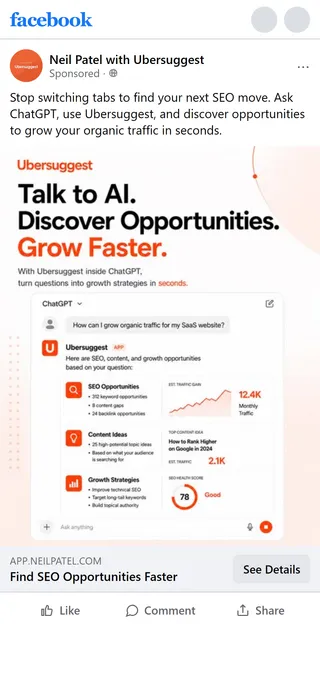
Five ads, each with its own script, open five different doors. Four land in free tools inside the Ubersuggest app shell: AI search visibility, keyword ideas and AI keyword overview each get their own tool page, and the MCP ad gets a standalone developer page. All five pitches end up at the same Plans & Pricing page.
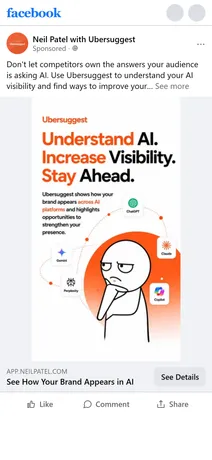
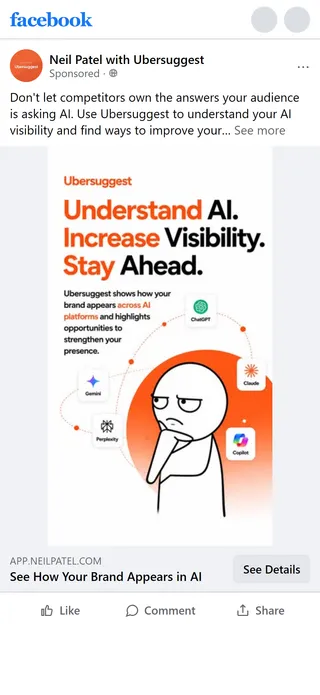
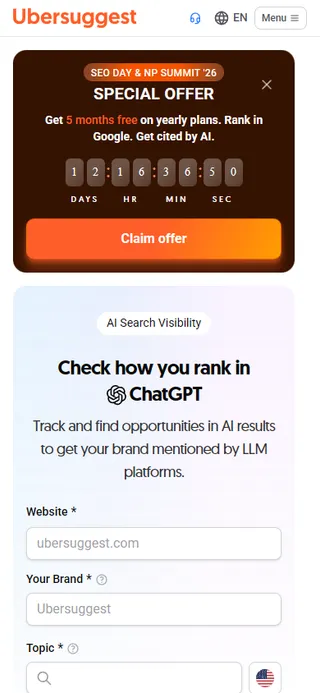
The free tools are real. The AI search visibility form works before signing in. The conversion pressure is layered on top: a countdown banner above the tool and a “Create a FREE account” popup. The ad leans on anxiety, “Don’t let competitors own the answers your audience is asking AI.”
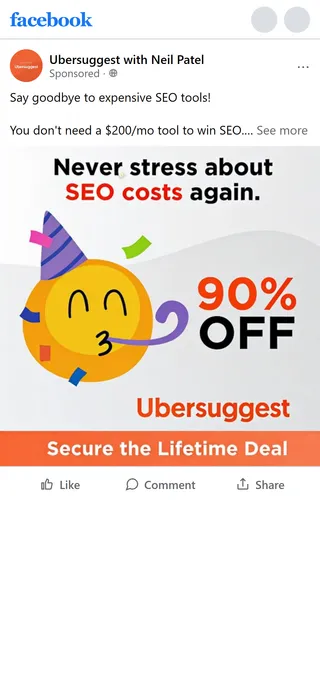
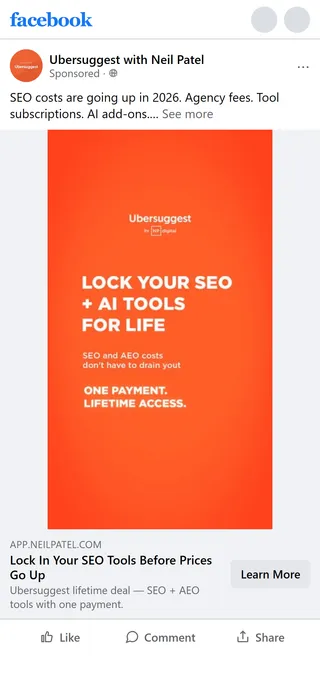
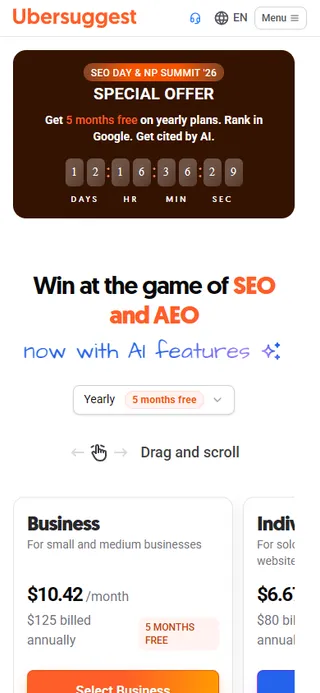
The promotion ad does not match its page. “Pay once. Use forever.” promises lifetime access, but the pages sell only Monthly and Yearly plans. That ad skips the tools and lands on a sales page whose banner offers “2 months free”, while the plain pricing page offers “5 months free” for the same plans.
Funnel canvas — drag to pan, scroll or use the buttons to zoom. Each node links to that step's page.
"Pay once. Use forever." goes straight to a sales page, with no free tool in between. The pages sell only Monthly and Yearly plans, and the page's banner offers "2 months free" against "5 months free" on the pricing page.
The ad opens inside the full Ubersuggest app shell, and the "Website / Your Brand / Topic" form works before signing in. The pressure is a live countdown banner above the tool and a "Create a FREE account" popup.
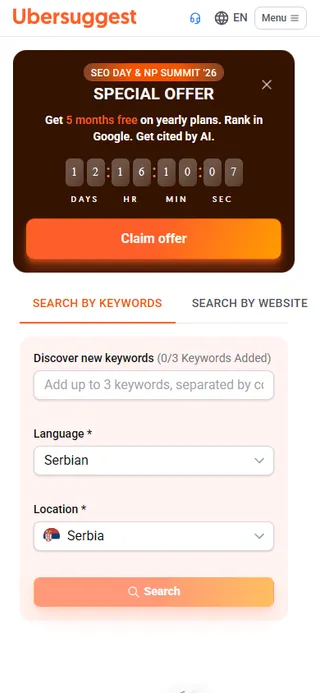
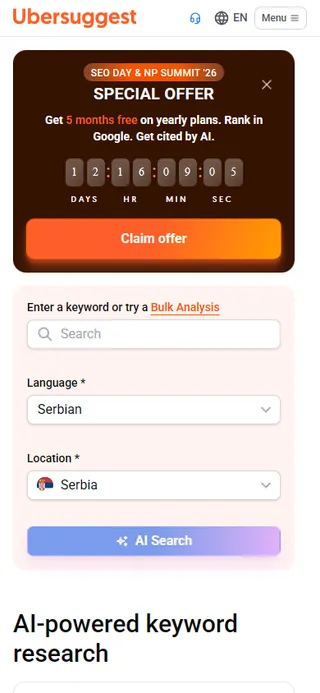
Four ads open four different tools, each in the same shell with the same banner and popup. A nav link from each leads to the same Plans & Pricing page, and the MCP page ends on "Start 7-day free trial".
Retain
Attract+2
Capture+1
Sell
Made for a big screen
See all 11 steps as one map
On a computer this funnel opens as a canvas: every page at full length, side by side, with the arrows between them and the moves that make it work. A phone screen can't hold it, so here it's a list.
"Pay once. Use forever." goes straight to a sales page, with no free tool in between. The pages sell only Monthly and Yearly plans, and the page's banner offers "2 months free" against "5 months free" on the pricing page.
The ad opens inside the full Ubersuggest app shell, and the "Website / Your Brand / Topic" form works before signing in. The pressure is a live countdown banner above the tool and a "Create a FREE account" popup.
Four ads open four different tools, each in the same shell with the same banner and popup. A nav link from each leads to the same Plans & Pricing page, and the MCP page ends on "Start 7-day free trial".