Ad
Salesforce Ad — LinkedIn: three pages of the report in the feed
Why it works
The same copy as the Facebook ad, but on LinkedIn the report itself is the creative. A Document Ad lets the member page through the first three pages of the actual PDF (the cover, the foreword, “What You’ll Find in This Report”) inside the feed, titled “Get exclusive Salesforce research on agentic sales trends.” The other 34 pages are locked. A LinkedIn Document Ad usually unlocks them through LinkedIn’s own lead form, filled in from the member’s profile, rather than Salesforce’s eight-field page. The Ad Library doesn’t show that form, so it isn’t captured.
LinkedIn Document Ad · Salesforce company page · paid for by Iprospect.com Inc. · “Preview 3 of 37 pages” · at least nine versions with the same copy (ads 1476758124, 1483843146, 1526139306…)
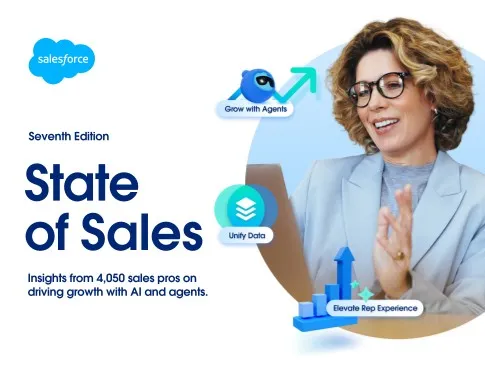
Preview page 1: the report cover, the same one the landing page renders in 3D. 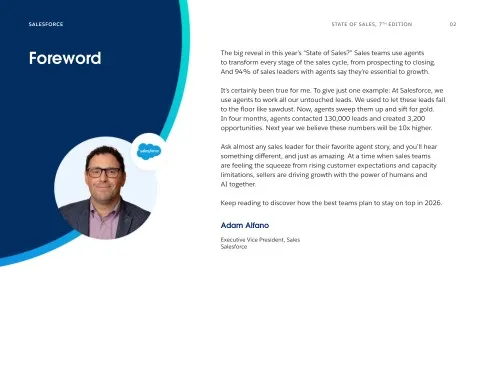
Preview page 2: the foreword by Adam Alfano, EVP Sales, with the line about agents working every untouched lead. 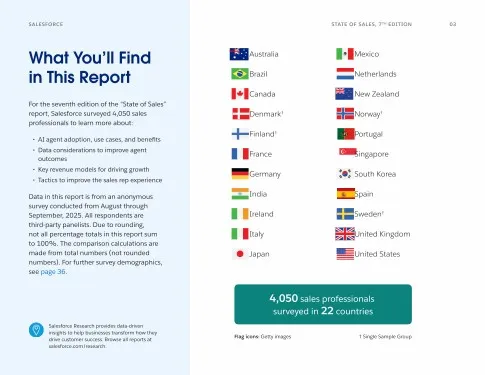
Preview page 3, the last free one: “What You’ll Find in This Report”, with the 22 countries and “4,050 sales professionals surveyed”. The table of contents is the end of the free sample.
The copy, in full
Research shows that sellers lose valuable time to the daily grind. See how your peers are relying on agents to change that for good.